Understand your earnings
Your Commission page lists every entry the merchant has recorded for you, with the arithmetic behind it. Money moves from Awaiting approval to Approved to Paid, and a refund adds a negative line beside the original rather than changing it.
Your portal may use the merchant's own words for partner, commission, payout, referral and reward.
The short version
- Awaiting approval is earned and waiting for the merchant to accept it. Approved is owed and goes into the next payout. Paid has been sent.
- Each line says how it was worked out, for example "20% of USD 299.00".
- A refund never edits a line. It adds a new, negative line, and the page shows both.
- The three totals at the top are everything you have ever earned with this merchant. The Period narrows the list and the download, not the totals.
- Download these (CSV) gives you the list as it is on screen, without the 100-line limit.
In detail
The three totals
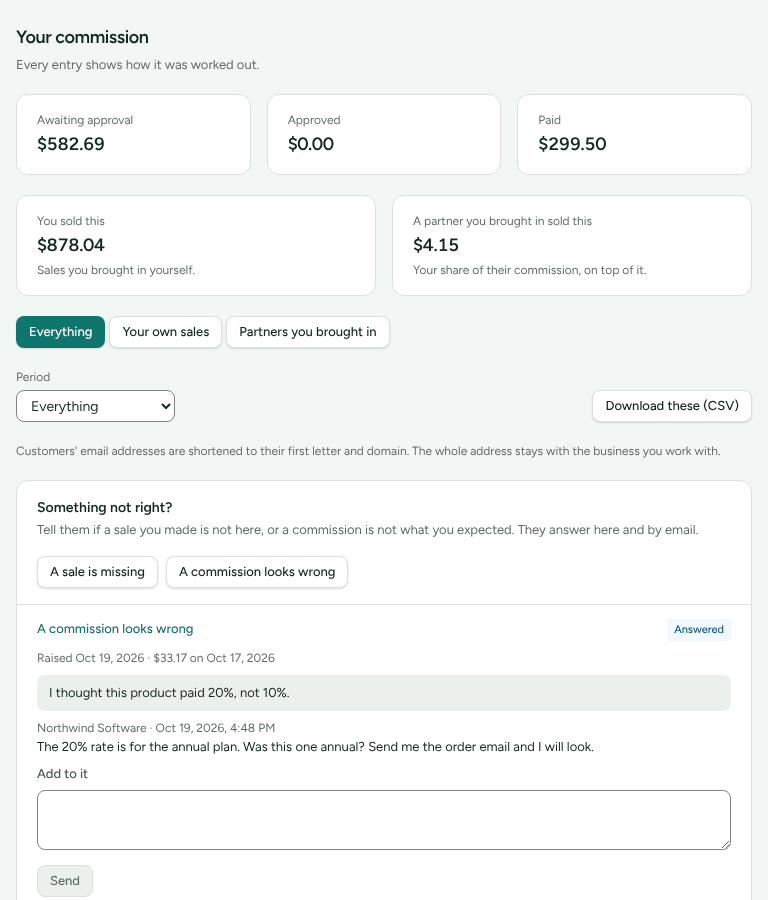
The page is headed Your commission. At the top are three cards:
| Card | What is in it |
|---|---|
| Awaiting approval | Lines the merchant has not decided on yet |
| Approved | Lines the merchant accepted that are not paid yet, less anything taken back since |
| Paid | Lines covered by a payout the merchant has marked paid |
If you earn in more than one currency, each card lists each currency on its own line. Two currencies are never added together.
Each line
Every line shows who bought (or "A customer"), the amount, a status badge, what it was for, and the date. A negative amount is drawn in red.
The status badge on a line reads:
| Badge | Means |
|---|---|
| Pending | Waiting for the merchant (it counts in Awaiting approval) |
| Approved | Owed. It goes into the next payout |
| Paid | Sent in a payout |
| Rejected | The merchant decided it is not owed. It is never paid |
| Reversed | Cancelled before it was paid, usually by a refund |
| Came back | A payment to you that your bank returned |
What it was for, and how it was worked out, reads in words:
- "20% of USD 299.00": a percentage of what the customer paid, after discounts and tax as the merchant's plan counts them.
- "20% of USD 299.00 (the discounted rate, because a discount code was used)".
- "Flat USD 10.00": a fixed amount per sale.
- "15% of USD 600.00 (tier from USD 500.00)": a tiered rate.
- "Brought over from your old platform": a balance the merchant moved across when they switched to Refficks.
- "Share of a recruit's commission": your share of what a partner you brought in earned. The line says "A sale by a partner you brought in" and never names their customer.
A merchant who shares a customer's email with you sees it shortened to its first letter and domain unless they chose otherwise, and the page says so once: "Customers' email addresses are shortened to their first letter and domain." An entry from a B2B deal shows the deal's name under it.
When a sale is refunded
The original line is never edited. A new line with a negative amount is added beside it, and what happens depends on whether you had been paid:
- Not paid yet: the original and the reversal both read Reversed. They cancel each other, nothing is paid, and neither counts in the totals. The reversal reads "Reversed because the sale was refunded."
- Already paid: the original stays Paid, because it was. The reversal is Approved and negative, so it comes off your next payout. If more is taken back than you have earned since, nothing is sent until new earnings cover it.
- Part of the sale refunded: the same share of the commission comes off, on its own line: "Reversed in part: USD 50.00 of the USD 200.00 sale was refunded." Your Account history lists it as "Part of a commission taken back: USD 10.00".
A merchant who moves a sale to another partner, or cancels a commission by hand, adds a reversal in the same way, in their own words.
Example: you earn USD 40.00 (20% of USD 200.00) and it is paid. A month later USD 50.00 of the sale is refunded, a quarter of it. A new line reads −USD 10.00, Approved, and your next payout is USD 10.00 smaller.
Your own sales, referrals and recruits
If you earn in more than one way, the page splits the money above the list:
- You sold this: sales you brought in yourself.
- Someone you referred sold this: what people you referred earned you.
- A partner you brought in sold this: "Your share of their commission, on top of it."
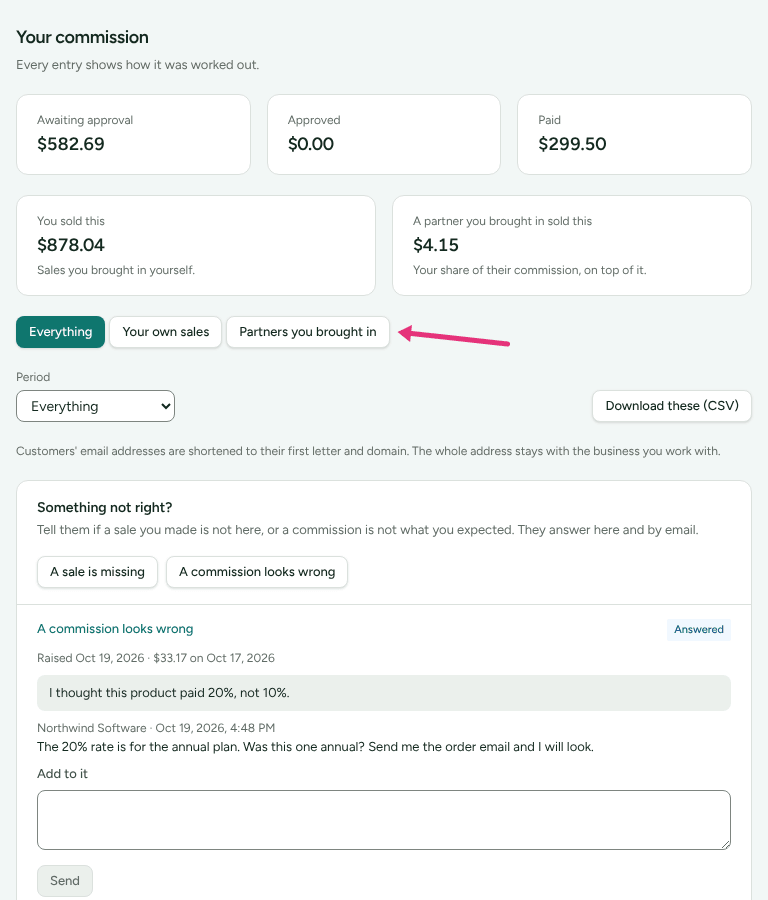
Buttons under the split narrow the list: Everything, Your own sales, Your referrals and Partners you brought in. Lines also carry a badge "from a referral" or "from a partner you brought in". The split counts reversals too, so a refunded sale is not shown as earned.
Period and download
Period offers Everything, Last 30 days, Last 90 days and Last 12 months. The page draws the latest 100 lines; when there are more it says "Showing the latest 100 of N. The download has every one of them."
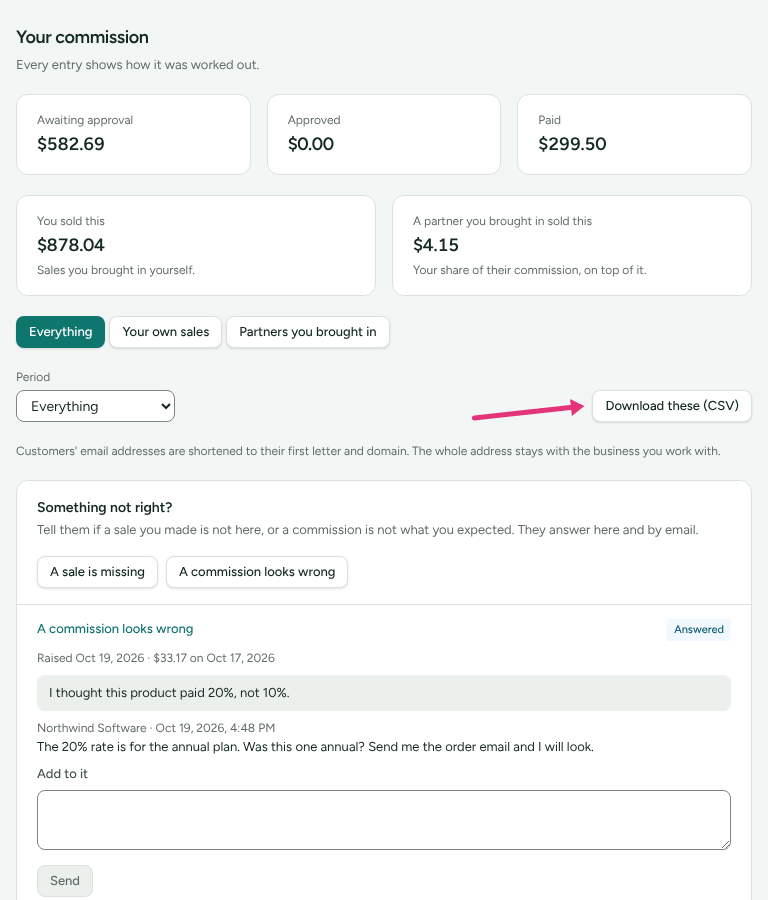
Download these (CSV) saves the lines for the period and the view you have chosen. Its columns are Date, Customer, Earned from, Type, Status, Commission, Currency, Sale amount, How it was worked out, Approved on and Paid on.
Where to see it in Refficks
- Commission in your menu: every line, and Something not right? to ask about one.
- Account history (Profile › Your data, then See your account history): corrections in sentences, such as "Commission of USD 40.00 cancelled", "Commission recalculated: USD 4.00 more" or "Commission of USD 25.00 not approved" with "Ask Merchant if you would like to know why."
- Payouts: what is approved and waiting to be sent. See When you get paid.
Settings that change it
| Setting | Whose | What it changes |
|---|---|---|
| The commission plan | The merchant's | The rate, a flat fee or tiers, and what each line says |
| Approving by hand or after a waiting period | The merchant's | How long a line stays Pending. The portal does not show the date it will be approved |
| Showing customers' whole email addresses | The merchant's | Whether the Customer column is shortened |
| Your own words for commission | The merchant's | The page title, the column name in the download, and the buttons |
Limits
- The page does not say when a pending line will be approved, or why one waits.
- Rejected lines are never paid, and the portal does not show the merchant's reason.
- A line you think is wrong is changed only by the merchant. Ask with Ask about this (see Raise a query).
- The totals belong to the merchant you are looking at. Each merchant's are separate.
Related
- Raise a query: when a line is missing or wrong.
- When you get paid: what happens to Approved money.
- Your data and account history: every correction, in sentences.
- Get your links and codes: sub-IDs show which post brought in a sale.